Screen-Time Features as Product: Usage Limits Users Actually Thank You For
Capping usage sounds like anti-growth. Done right, screen-time features build the trust that keeps users around longer.
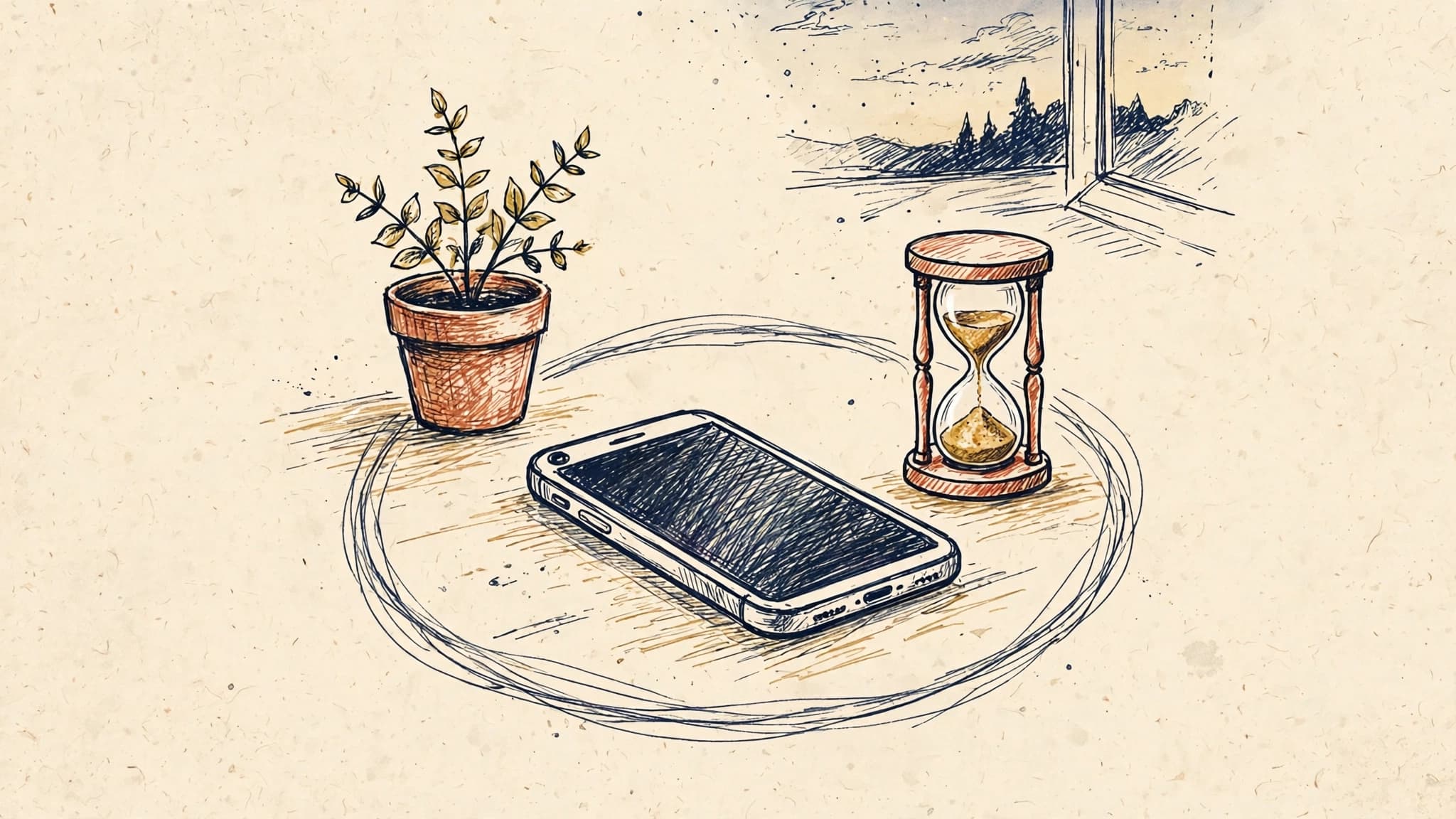
The retention paradox: less time, more loyalty
Every growth dashboard in mobile rewards the same thing: more minutes, more sessions, more daily active users. So when someone proposes a feature that deliberately reduces time in the app — a usage limit, a break reminder, a bedtime wind-down — the room goes quiet. It sounds like building a smaller business on purpose.
But look at what actually kills mobile products. It is rarely that users spend too little time. It is that they leave feeling drained, guilty, or out of control, and then they quietly delete the app on a Sunday night and never come back. The apps that survive for years are not always the ones that extract the most attention. They are the ones users trust with their attention.
That is the retention paradox at the heart of screen-time features: a cap that feels caring can keep a user for two years, while an uncapped feed can lose them in two months. Usage limits are not anti-growth. They are a different growth bet — that trust compounds faster than minutes do.
This is not a moral argument. It is a product argument, with measurable tradeoffs, clear failure modes, and a specific set of categories where it pays off. Done badly, a usage limit feels parental and condescending, and users will route around it or churn in protest. Done well, it becomes the feature users mention when friends ask why they still use your app.
Why users ask for limits in the first place
Users do not open your app hoping to be stopped. They open it hoping to get something done, feel something good, or pass a little time — and then they look up an hour later wondering where the evening went. That gap between intention and outcome is where regret lives, and regret is a churn signal that no engagement metric captures until it is too late.
Three forces make this worse in 2026 than it was five years ago. First, the phone itself now reports screen time back to the user every week, so your app's share of that report is visible in a way it never was before. Second, operating systems have normalized the vocabulary — Screen Time on iOS, Digital Wellbeing on Android — so users arrive with expectations already formed. Third, the cultural conversation has shifted: people increasingly describe their relationship with apps in the language of habits and boundaries, not just entertainment.
A product team that ignores this is not neutral. It is making a decision by default: that the app will take as much time as it can get. Users notice that decision, even if they cannot articulate it. A team that builds limits thoughtfully is making a different decision, visibly: that the app is on the user's side of the bargain.
The key insight is that users do not want a nanny. They want a tool that helps them be the person they already want to be. The difference between those two framings determines whether a screen-time feature is loved or resented.
Caring versus parental: the design line that matters
The single most important product decision in a usage-limit feature is tone, and tone is set by who holds the power. A parental design decides for the user: a hard lock at 30 minutes, a scolding message, a guilt-laden streak broken. A caring design hands the user the controls and then respects the choices they made when they were thinking clearly.
Consider the difference in practice. A parental limit says, "You've used this app too much today," and shuts the door. A caring limit says, "You asked me to remind you at 45 minutes — you're there. Want a 5-minute extension or to wrap up?" The first creates an adversary. The second creates an ally. The user set the rule; the app is just keeping the promise.
That principle generates a handful of concrete design rules that separate limits users thank you for from limits they disable on day one:
The user sets the number, not you
A default limit chosen by the product team will be wrong for most people, and worse, it will feel imposed. Let users pick their own daily budget, their own quiet hours, their own break intervals. Offer sensible starting points — 30, 60, 90 minutes — but never present your default as the "healthy" choice. The moment a limit feels like a judgment, users stop trusting the feature and start resenting the app.
Make limits flexible, not brittle
Real life does not respect daily budgets. A user on a long train journey, a parent waiting at a hospital, a student cramming before an exam — all of them will blow past a limit for good reasons. If the only option is a hard lock, they will disable the feature entirely rather than sit through it once. Build in snooze and extension options, a "today is an exception" path, and weekly rather than purely daily budgets so one heavy day does not feel like failure. Flexibility is what keeps the feature switched on.
Show progress, not shame
A dashboard that only reports "you spent 3 hours 42 minutes today, up 28% from last week" is a guilt machine. Pair the number with context the user controls: time spent on the thing they actually came for versus time spent scrolling, sessions completed versus sessions drifted into, how often they stopped when they meant to. The best screen-time surfaces answer a question the user is already asking — "did I use this the way I wanted to?" — instead of handing them a number and letting shame do the rest.
Endings matter more than warnings
Most limit features obsess over the warning and neglect the ending. What happens at the moment the limit is reached is the whole product. A good ending gives the user somewhere to go: a summary of what they accomplished, a natural stopping point in the content, a gentle suggestion for tomorrow. A bad ending is a dead screen with a lock icon. Users remember endings. If the last thing they feel each day is frustration, that feeling attaches to your app, not to their willpower.
What to actually build
A screen-time feature is not one feature. It is a small system, and scoping it well is the difference between a quarter of work and a month of work. Start with the smallest version that still feels like a promise kept:
- A personal dashboard. Time per day and per week, broken down by the activity that matters in your app, not by a generic feed. Keep it to one screen. If it needs a tutorial, it is too complicated.
- A daily limit the user sets. With a reminder before the limit, not just at it. A warning at 80% is far more useful than a lock at 100%, because it gives the user time to finish what they are doing with dignity.
- Break reminders. Short, optional pauses during long sessions — a stretch, a glass of water, a look away from the screen. These are cheap to build and disproportionately loved, because they interrupt the trance without ending the session.
- Quiet hours. A bedtime window where notifications pause and the app gently dims or suggests stopping. This is the highest-leverage piece for many apps, because late-night sessions are where regret concentrates.
What you should not build in version one: social comparison ("you use this more than 80% of users"), streaks for staying under a limit, or any leaderboard around restraint. Turning self-control into a competition creates exactly the anxiety the feature is supposed to relieve, and it punishes users whose lives legitimately need more screen time.
Measuring trust instead of minutes
Here is where most teams stall, because the dashboard they report to leadership still says minutes must go up. If you judge a usage-limit feature by session length, it will always look like a failure. You need a second scoreboard, and you need to agree on it before launch, not after the first dip in daily minutes.
The metrics that actually tell you whether limits are working:
- Opt-in and retention of the feature itself. What percentage of users turn limits on, and what percentage still have them on after 30 days? A feature users disable in week one is a design problem, not a demand problem.
- Return rate after a break. Do users who hit a limit come back tomorrow, or do they disappear? A healthy limit feature shows same-or-better next-day return compared with users who never hit a limit. That is the retention paradox made measurable.
- Limit adherence without resentment. Track how often users accept the limit versus snoozing past it, but pair that with qualitative signal — support tickets, reviews, in-app feedback. High adherence plus rising complaints means the limit is too strict; low adherence plus silence means it is too easy to ignore.
- Churn of limit users versus matched non-users. Compare users who enable limits with a similar cohort who do not, over 90 days. In categories where this has been studied, the limit cohort often retains better, because the feature selects for users who were at risk of regret-churning and gives them a reason to stay.
- Trust signals you can ask about directly. A short, occasional in-app question — "Do you feel in control of your time in this app?" — is worth more than a hundred inferred engagement metrics. Ask it quarterly, not weekly, and watch the trend, not the absolute number.
One warning: do not let the limits feature become a fig leaf. If the core loop of your app is designed to maximize compulsive use — infinite scroll with no natural stopping points, notifications engineered to pull users back every hour — then a usage dashboard on top is not a product decision, it is public relations. Users can tell the difference, and reviewers will say so in public.
Where the math actually works
Usage limits are not right for every app. They pay off most clearly in categories where the user's relationship with the product is long-term and identity-linked, and where regret is a realistic churn driver.
Social and short-video apps are the obvious case: the regret curve is steepest there, and a limit that helps users feel in control can be the reason they keep the app installed for years instead of deleting it during a detox. Games with daily loops benefit too, especially games aimed at adults who play to relax — a session cap framed as "you've had a good run today" can protect the habit from burnout. Learning and fitness apps have a subtler version of the same opportunity: a learner who studies 20 focused minutes a day for a year is worth far more than one who binges for a week and quits, and limits that protect the daily habit protect the subscription.
Family and kids' products are a special case with a different buyer. Parents choosing an app for a child treat built-in limits as a purchase criterion, not a nice-to-have. There, the limit is not a retention feature at all — it is the reason the app gets installed in the first place, and the product question is how to give parents controls without making the child's experience feel like a punishment.
Where limits pay off least: utility apps used in short bursts, where sessions are already naturally bounded, and transactional apps where the user arrives with a job to do and leaves when it is done. Adding a dashboard to a banking app solves a problem nobody has. Spend the quarter on something users actually want.
Shipping it without a revolt
If you are convinced, the rollout matters as much as the design. A usage-limit feature announced as a restriction will be received as one. Announced as a tool users asked for — because, in research, they usually did — it lands differently.
Start with research, not code: five to ten conversations with users who have churned or who describe heavy use with ambivalence. Ask what a helpful limit would look like to them. You will hear the caring-versus-parental distinction in their own words, and you will hear which moments feel worst — almost always late at night and the first hour of the morning.
Ship to a small percentage first, with the feature off by default and discoverable in settings and in the moment — a gentle prompt after an unusually long session asking "want help keeping sessions shorter?" converts far better than a settings page nobody visits. Measure the second scoreboard for a full month, not a week, because the effect of a limit is on the shape of the habit, not on a single day's minutes.
And be honest in the release notes. "We built this because some of you told us you wanted help spending less time here" is a sentence users believe. "We care about your wellbeing" from a company whose revenue depends on attention is a sentence users roll their eyes at. The difference is specificity: name the user request, name the control, name the choice.
Takeaways
- Usage limits are a retention bet, not a sacrifice: users who feel in control stay longer than users who feel drained.
- The design line is caring versus parental. The user sets the limit, the app keeps the promise, and flexibility keeps the feature switched on.
- Build the small system first — dashboard, user-set daily limit with an 80% warning, break reminders, quiet hours — and skip social comparison and restraint streaks.
- Judge the feature on a second scoreboard: feature retention, next-day return after a limit, churn of limit users versus matched non-users, and a direct trust question asked quarterly.
- Limits pay off most in social, video, games, learning, and family products, where regret drives churn; they are wasted effort in short-burst utilities.
- Roll out off by default, offer the feature in the moment after a long session, and measure for a month, because habits, not days, are what you are changing.
The apps users keep are the ones that respect the bargain: your time is yours, and the app is a guest in it. A usage limit, built with that respect, is not a smaller business. It is a business users do not feel the need to escape from.