QR Codes Are Back: Designing Scan-to-Act Flows on Mobile
QR codes quietly became infrastructure. Designing scan-to-act flows that work in bad light, shaky hands, and spotty networks.
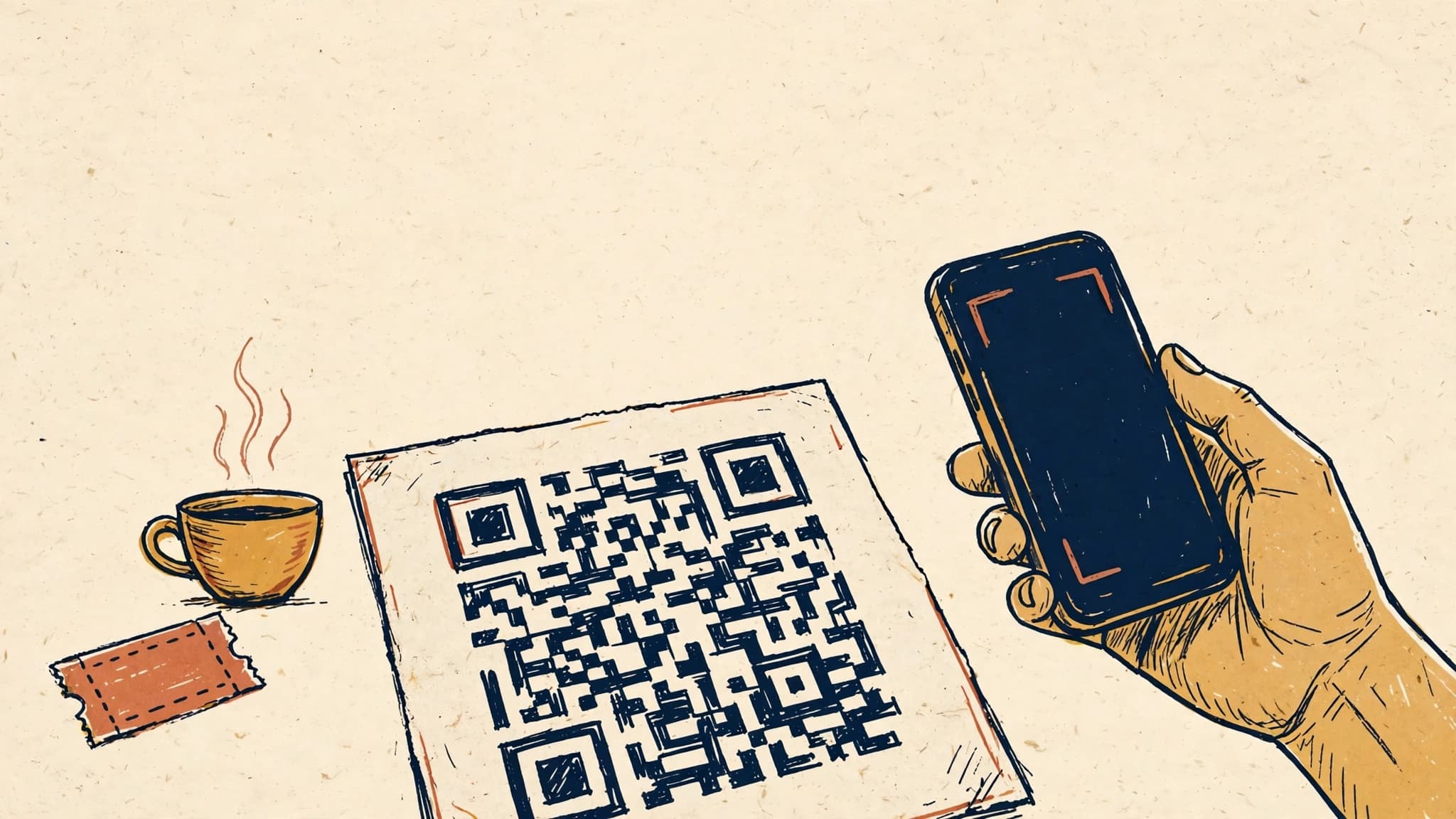
The most boring technology that quietly won
QR codes were supposed to die. A decade ago they were a punchline: ugly black squares on posters, a novelty that required a separate scanner app, a technology that users tolerated and nobody loved. Then something unglamorous happened — the camera app on every phone started reading them natively, a pandemic made contactless everything a necessity, and the QR code went from gimmick to infrastructure without anyone announcing it.
Today the QR code is the cheapest bridge between the physical world and your app. A printed menu, a transit poster, a receipt, a product box, a conference badge — each one is a potential front door to a flow inside your product. No App Store search, no typing a URL, no explaining to a user where to tap. Point, scan, act.
But most scan-to-act flows are still bad. They were built as an afterthought: a QR code slapped onto a surface, pointing at a generic landing page, with no thought for what happens in bad light, with shaky hands, on a slow connection, or when the scan fails. The difference between a QR flow that converts and one that gets abandoned is almost never the code itself. It is everything around it: the camera experience, the fallback paths, the deep-link routing behind the code, and the measurement that tells you where the flow actually breaks.
This post is about designing that whole system — not generating a QR code, but building a scan-to-act flow users can complete in the real world.
Why QR is a product decision, not a marketing asset
The first mistake teams make is treating QR codes as marketing collateral. Marketing owns the poster, so marketing generates the code, and the code points at the homepage. The user scans, lands somewhere generic, and has to figure out the rest. The scan-to-act chain breaks at the second link.
Treat the QR code as a product surface instead, and different questions follow. What is the single action this scan should trigger? Is it paying a bill, joining a queue, redeeming a ticket, opening a specific product, or starting onboarding with context pre-filled? A QR code that triggers one clear action converts. A QR code that opens your homepage asks the user to do your product's job.
The strongest scan-to-act flows share one property: the destination is determined before the code is printed. The code encodes an intent — a table number, a ticket ID, a product SKU, a referral source — and the app routes that intent to exactly one screen, with exactly one primary action. If you cannot name the action in one sentence, the code is not ready to print.
This also reframes the cost argument. QR codes are nearly free to produce, which makes them tempting to spray everywhere. But every code you print is a promise: scan this and something useful happens. A dead or confusing destination is worse than no code at all, because it teaches users that scanning your codes wastes their time. Audit your printed codes the way you audit your onboarding funnel — because for a large share of users, the QR code is the onboarding funnel.
The scan moment: designing for the worst conditions
The scan itself is where most flows silently fail, and the failure is invisible to analytics unless you instrument it. A user points their phone at a code in a dim restaurant, on a curved bottle, through a cracked screen protector, while holding a bag in the other hand. Your lab test — a crisp code on a monitor, held steady, on fast Wi-Fi — tells you nothing about that moment.
Make the target findable and forgiving
Physical placement is product design. Codes printed too small, too low-contrast, or on reflective surfaces fail before software gets a chance. The practical rules are unglamorous but decisive: keep the code at least 2 centimeters square for close-range scanning, preserve a quiet zone (blank margin) around it equal to four modules, and avoid printing on glossy or curved surfaces when a flat matte placement exists. If the code lives on packaging, test it with the actual packaging — curved, crinkled, and under store lighting — not with a pristine render.
Inside the app, the scanner screen deserves the same care as any other screen. The common failure is a scanner that demands precision: a tiny viewfinder box, no torch toggle, no feedback when the code is partially detected. Better scanners do three things. First, they scan the full camera frame, not a small box, so users do not have to aim like a sniper. Second, they give instant haptic or visual feedback the moment a code is recognized, even before the action completes, so the user knows the scan worked. Third, they surface a torch toggle and a "type the code manually" fallback right on the scanner screen, not buried in a help page. The manual fallback matters more than teams expect: damaged codes, broken cameras, and accessibility needs all route through it.
Design the failure states before the success state
Every scan flow needs at least four failure paths, designed as carefully as the happy path:
- Unreadable code. Tell the user what to try — move closer, turn on the torch, clean the lens — instead of a generic "scan failed" toast. If the code is damaged beyond recovery, offer the manual entry path immediately.
- Expired or invalid code. Menus change, tickets get refunded, promotions end. An expired code should land on a screen that explains what happened and offers the next best action (today's menu, the current promotion), not a dead error page.
- Wrong app state. A code scanned while logged out, or a code that requires an account, needs a path that preserves the intent. Deep-link the user through login or signup and return them to the intended action afterward — losing the intent at the auth wall is one of the most common and most fixable leaks.
- No connectivity. A scanned code in a basement parking garage or a rural store should not produce a spinner of doom. Cache the code's payload locally, queue the action, and confirm once connectivity returns — or at minimum, show the user what will happen when they are back online.
Each of these states is a retention decision. A user who scans and hits a dead end does not try again tomorrow; they conclude that scanning is unreliable and stop scanning.
What happens after the scan: routing the intent
The moment a code is recognized, your app has a small amount of information — typically a URL or an identifier — and a large amount of implied context. Good routing turns that identifier into the right screen, the right state, and the right action. Bad routing dumps the user on a generic page and hopes for the best.
One code, one destination, one action
The discipline is simple: every QR code maps to exactly one deep link, and every deep link lands on exactly one screen with one primary action. A restaurant table code opens that table's ordering screen, not the restaurant homepage. A product code opens that product's page with the relevant variant pre-selected. A ticket code opens the ticket with its check-in action visible.
This sounds obvious, yet the failure mode is everywhere: codes that point to a marketing site, which then asks the user to download the app, which then opens to its home screen. Every hop loses users. The routing chain should be: scan → app (or store, if not installed) → the specific screen → the specific action. If the app is not installed, the deferred deep link should survive the install — the user who scanned a table code should land on that table after installing, not on a generic welcome screen. Losing that context is the single biggest leak in QR-driven acquisition.
The payload behind the code
What the code contains matters as much as where it points. Embedding a short identifier (a table ID, a ticket token) and resolving the rest server-side keeps codes small and scannable, and lets you change the destination without reprinting. A code that encodes a full URL with query parameters is larger, harder to scan at a distance, and frozen the moment it is printed.
Server-side resolution also gives you control that printed codes cannot: expiry, revocation, and analytics. A promotion code can be switched off centrally. A ticket code can be invalidated after use. And every resolution is a measurable event — you know how many scans happened, where, and what followed. Static codes printed with their destination baked in give you none of this. The rule of thumb: the code carries an ID; the server decides what that ID means today.
Fallbacks when the app is not there
Not every scanner is your app. Most scans happen through the native camera app, which opens a URL. That URL is your first impression, and it must work for everyone: app installed, app not installed, and user on a device that will never install the app. A well-built universal link or app link handles the installed case; a mobile web page that completes the core action (view the menu, pay the bill, check the ticket) handles the rest. The web fallback is not a consolation prize — for many QR use cases, the web flow is the product for first-time users, and the app install is the upsell after value is delivered, not before it.
Measuring scan-to-act like a funnel
If you cannot measure the scan funnel, you cannot fix it. Yet most teams measure only the endpoint — orders placed, tickets redeemed — and never the steps that precede it. A QR funnel has at least five measurable stages, and each one has its own failure mode:
- Scans. How many times was the code recognized? This requires instrumentation at the scan layer (your scanner) and at the link layer (server-side resolution). A gap between printed codes and scans tells you about placement and visibility problems, not software problems.
- Routing success. Of scans, how many reached the intended screen? Drops here point to deep-link breakage, deferred-link loss after install, or auth-wall leaks.
- Action start. How many users began the intended action? A low rate here usually means the destination screen did not match the promise of the code — wrong product, wrong table, confusing layout.
- Action completion. How many finished? This is where payment friction, form length, and connectivity issues show up.
- Repeat scans. How many users scan again? Repeat behavior is the strongest signal that the flow earned trust. First-time scans are curiosity; second scans are a habit.
Instrument each stage separately, and segment by physical context where possible: which location, which code placement, which campaign. A code on a receipt that converts at 2 percent and a code on a table tent that converts at 30 percent are not the same product problem — one is a placement problem, the other is a flow that works. Without segmentation, you will average them into a meaningless 16 percent and fix neither.
Two metrics deserve special attention. Scan-to-completion time — the seconds between recognition and action done — is the QR equivalent of page load time: every second of friction is abandonment in slow motion. And fallback usage rate — how often users hit manual entry, torch, or the web fallback — tells you how often the ideal path fails in the real world. A fallback rate above a few percent is a signal to fix the primary path, not a reason to celebrate that the fallback exists.
The product patterns that work
Across menus, payments, tickets, and onboarding, a few patterns recur in flows that actually convert.
Pre-fill everything the code knows. A table code should pre-fill the table number. A referral code should pre-fill the referrer. A product code should pre-select the product. Every field the user does not have to type is a step that cannot be abandoned.
Confirm before committing. Scanning is fast and accidental — a code on a passing poster, a mis-aimed camera. For irreversible actions like payments, show a confirmation screen with the amount, the recipient, and the item, and make the confirm action deliberate. Speed is a virtue until it becomes a mistaken charge.
Let the code carry context into onboarding. A QR code on a partner's packaging or a store display is often a user's first touch with your product. Routing that scan into a generic signup wastes the context. Route it into an onboarding variant that acknowledges where the user came from — "Welcome from Café Luna" beats a blank welcome screen, and it measurably lifts activation.
Expire gracefully, never silently. Codes outlive campaigns. When a code's offer ends, the destination should say so and offer the current equivalent, with the same one-tap ease. A silent 404 on a printed code is a broken promise that no support ticket will ever surface.
Test in the wild, not just in the office. Before a print run, take the actual printed artifact — the menu, the box, the badge — into the actual environment: the restaurant at dinner lighting, the warehouse with gloves on, the outdoor poster in sunlight. Watch five real users scan it. You will find problems no emulator and no design review ever will.
Takeaways
QR codes are not a feature; they are a distribution channel that happens to be printed on things. Treating them as marketing collateral produces dead destinations and abandoned scans. Treating them as a product surface — one code, one intent, one action, with failure states designed and every funnel stage measured — turns the cheapest acquisition channel you own into one that actually converts.
Start with an audit: list every code you have in the wild, scan each one yourself, and follow it to its destination. Fix the dead ends first, then the generic destinations, then the missing fallbacks. The code itself was never the hard part. Everything around it is the product.